
Most agencies already feel the shift. 91% of marketers say AI and automation tools have changed how they work in the last two years, but most still rely on humans to glue everything together with manual tasks, spreadsheets, and duct-taped tools.
As an automation agency, or an agency leader building automation internally, your real job is simple: install systems that increase capacity, reduce errors, and shorten timelines, without bloating your payroll.
Key Takeaways
| Question | Direct Answer |
|---|---|
| What does an Automation Agency actually do? | It installs end-to-end systems for Agency Automation, from Client Onboarding to Speed to Lead, reporting, and delivery, so you can grow without adding headcount. |
| How fast can real automations be deployed? | With a focused build process, you can deploy core systems in 48 hours to 10 days. |
| Which tools should I master first? | Start with Zapier and Make.com for integrations, plus a flexible database layer like Airtable or a solid CRM as your infrastructure backbone. |
| How does this increase capacity? | By converting repetitive work (onboarding, reporting, lead follow up) into workflows, your team handles more clients with the same people. |
| Where to start? | Target the biggest time sinks first: contract-to-kickoff workflows, lead intake and follow up, and manual reporting. |
1. What An Automation Agency Really Sells: Capacity, Not Clicks
Most agencies sell creative, media, or strategy. An automation agency sells something different: capacity.
You install systems that let a founder take on 5 more clients without hiring, or reclaim 10–20 hours per week from their calendar. You are not a guru giving advice. You work like a mechanic installing a turbocharged engine into a business.
When we build Agency Automation, we wire tools like Zapier, Make.com, Airtable, and CRMs into a single infrastructure that runs client work with fewer bottlenecks and fewer people.
Core Outcomes Every Automation Agency Should Target
- Scaling without Hiring: Delay or avoid that next $60k+ full‑time hire.
- Operational Efficiency: Turn 3‑hour workflows into 3‑minute workflows.
- Agency Capacity: Increase active client load by 20–50 percent with the same team.
- Reliability: Reduce errors and missed steps with deterministic systems.
2. Identify High-Leverage Automation Opportunities
If you want to build a serious automation agency, you need a repeatable way to find leverage inside a client’s operation. We start with a simple rule: find the bottleneck that stops them from taking on 5 more clients.
For most agencies, that bottleneck sits in three spots: Client Onboarding, Sales follow up, or Reporting.
Step-by-Step Discovery Framework
- Ask: “Where do you or your team waste the most time weekly?”
- Measure it: How many hours, how many steps, how many tools involved.
- Quantify the cost: Tied-up founder time, delayed response, lost deals.
- Prioritize by impact: Time saved x revenue recovered or capacity created.
| Area | Typical Problem | Automation Opportunity |
|---|---|---|
| Client Onboarding | 3+ hours per client of manual prep | Contracts trigger folders, CRM setup, notifications |
| Speed to Lead | Leads wait hours for a reply | Instant SMS/email follow up and CRM sync |
| Reporting | Founder pulls data manually | Automated dashboards and monthly summaries |
3. Build A Frictionless Client Onboarding System That Runs Itself
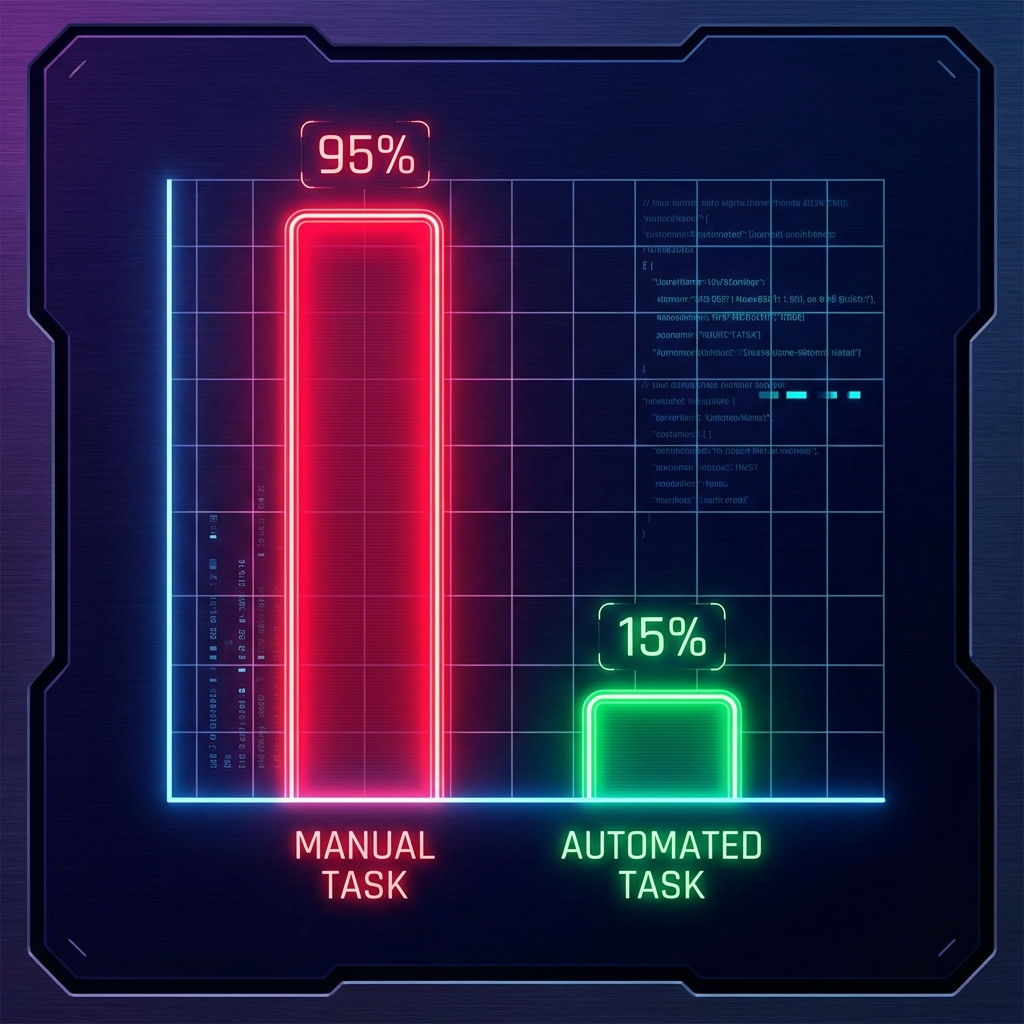
For most agencies, onboarding is the first place automation pays off. We worked with a roofing agency that spent 3 hours per client just to get from signature to “ready to work”. Contracts sat in inboxes, folders were created manually, and the CRM lagged behind.
We installed a full onboarding system where a signed contract triggered everything. Folder structures, CRM records, internal Slack notifications, and task lists populated automatically.
Result: That single system saved 15 hours per week and gave them room to add 5 more clients in 60 days.
Key Components Of An Automated Onboarding Flow
- Trigger: Signed contract, paid invoice, or form completion.
- Project Infrastructure: Auto-create folders, docs, and templates.
- CRM + PM Setup: Add deal, company, contacts, tasks, and due dates.
- Notifications: Alert the right team member instantly in Slack or email.
"Contracts → Folders → CRM. That is the base chain. If any part of that is manual, your agency is bleeding time."
4. Install Speed-to-Lead Systems That Reply In Seconds
If you run a lead gen or performance agency, your biggest lever is Speed to Lead.
We worked with a lead generation agency that responded to new leads after about four hours on average. They lost roughly 40 percent of deals because leads went cold before anyone replied.
We deployed a Speed-to-Lead system where every new lead triggered instant SMS and email follow up, plus live CRM syncing.

The Impact
| Metric | Before Automation | After Automation |
|---|---|---|
| Response Time | 4 hours | 5 seconds |
| Close Rate | 15% | 25% |
| Monthly Revenue | Baseline | + $30,000 |
Did you know? 74% of marketers use at least one AI tool at work, signaling that most client environments are already primed for advanced automation systems. (Source: HubSpot)
5. Automate Reporting So Your Team Never Builds Another Manual Deck
Manual reporting kills founder time. We worked with an SEO agency where the founder spent about 10 hours per month pulling data from GSC, Ahrefs, and GA4, then building client reports. This was pure non-billable work.
We built an Automated Reporting Hub that synced data into a centralized dashboard on autopilot. Reports updated in real time, and monthly summaries generated with almost no human input.
Result: 120 hours per year given back to the founder. That is essentially two full work weeks recovered.
Reporting Automation Blueprint
- Data Extraction: Connect tools through Supermetrics, native connectors, Zapier, or Make.com.
- Central Store: Use a BI tool or a structured data layer as your single source of truth.
- Dashboards: Build consistent dashboards per client with standardized templates.
- Monthly Workflow: Auto-generate slide decks or summaries and notify account managers.
6. Use Make.com, Airtable, And Nocode Backends As Your OS
Every automation agency needs an internal operating system. We like Airtable combined with Make.com for building robust backends that power client workflows.
In a roofing app backend project, we connected inspection photos, jobs, and future PDF reporting from one unified system. Jobs enter from a form, assets attach automatically, captions and metadata generate based on inputs, and report-ready data flows downstream.
Example: Airtable + Make.com Roofing Backend
- Airtable: Store all jobs, properties, and assets in one central database.
- Make.com: The workflow engine that moves and transforms data between forms and the database.
- Front-end App: Where on-site crews or clients submit data easily.
7. Build LinkedIn Lead Gen Pipelines That Ship Clean Data
Lead gen agencies live and die on list quality. We built a LinkedIn Lead Generation system that scraped prospect data, verified emails, and shipped only valid leads to Airtable and CSV.
We used tools like Make.com and n8n as the backbone. This type of system lets an automation agency move beyond "we connect your form to your CRM" into "we deliver sales-ready leads directly into your pipeline."
LinkedIn Automation Flow
- Collect: Pull profile data and engagement into an intermediate store.
- Enrich: Add missing fields such as company domain, role, and location.
- Verify: Run email verification hooks and drop invalid entries.
- Deliver: Push clean leads into Airtable, a CRM, or regular CSV drops.
Did you know? 68% of marketers expect their marketing automation budgets to grow in the coming year. (Source: MoEngage)
8. Track Qualified Leads Properly With Meta CAPI And ManyChat
Ad spend without clear tracking is just noise. We built a Meta CAPI + ManyChat tracking system that reported Qualified Leads back to Meta Ads in real time.
Instead of standard pixel events, you report precise funnel milestones. That reduces wasted ad spend and lets machine learning optimize toward the leads that actually close.
Meta CAPI Automation Stack
- Entry Point: ManyChat flows capture lead data.
- Qualification Logic: Rules in your backend mark leads as qualified.
- Webhook Trigger: On qualification, send event details to your automation layer.
- CAPI Event: Post a structured event to Meta with the correct parameters.
9. Turn Delivery Workflows Into Systems With Zapier
Zapier remains the default automation tool for most agencies. As an automation agency, you need to go deeper than "basic zaps". We treat Zapier as a production layer where we standardize triggers, error handling, retries, and logging.
Principles For Production-Grade Zapier Systems
- Single Source of Truth: Decide which tool owns each core object.
- Error Handling: Log failures to a central place (e.g., Slack) and notify humans only when needed.
- Modular Zaps: Break giant zaps into smaller, reusable ones.
- Documentation: Document triggers, actions, and dependencies in plain language.
10. Package, Price, And Guarantee Your Services
Your technical skills do not sell themselves. Automation agencies that win consistently package their work around outcomes: more revenue, more capacity, or fewer hours wasted.
We structure offers around a clear deployment window, usually 48 hours to 10 days, then stand behind it with a strong guarantee.
The "Double-Penalty Guarantee": If we miss our timeline or the system does not work as promised, we refund 100% and pay a penalty for wasting the client’s time.
Example Offer Structures
- Speed-to-Lead Install: 48 hours to live. Includes SMS, email, and CRM sync.
- Reporting Hub Build: 7–10 days. Automated dashboards and monthly report workflows.
- Onboarding System Install: 5–7 days. Contracts to CRM, folders, and tasks.
11. Train Teams And Clients
The best automation systems die when the team ignores them. You need to build training and adoption into your delivery process.
In our Podcast Automation Training project, we didn't just install workflows—we taught the team how to run and adjust the system themselves. You want clients dependent on you for new systems and bigger outcomes, not for every tiny tweak.
Adoption Checklist
- One-Pager: Create a 1–2 page "How This System Works" overview.
- Video Walkthrough: Record a 10–15 minute Loom video of the live system.
- Live Training: Run a short Q&A for key operators.
- Support Window: Offer 30 days of support to iron out edge cases.
Conclusion
An Automation Agency does not sell time, it sells leverage.
From Client Onboarding and Speed to Lead, to reporting and delivery infrastructure, the playbook stays consistent: find the bottleneck, design the system, deploy fast, and tie everything back to revenue and hours saved.
If you focus on tangible outcomes and build like a mechanic, not a guru, you create durable value for every agency you touch.